
Lutron Caséta
Lutron Caséta, installed right the first time.
Wyatt Electric installs Lutron Caséta smart dimmers, switches and Pico remotes in homes across Harford County, Baltimore County and Baltimore City. We check every wall box and load, set up the Smart Hub, scenes and schedules, and show you the Lutron app. Licensed electricians since 1986.
- ★5.0 · 12 Google reviews
- 4 Master Electricians on staff
- Licensed & insured
- Veteran owned
- 5.0 stars12 Google reviews
- Since 198640 years in business
- 4 MastersMaster Electricians
- Veteran ownedLicensed & insured
- ESGR 2010Above & Beyond Award
The short answer
What is Lutron Caséta?
Caséta is Lutron's smart dimmer and switch system. The dimmers replace your wall switches, Pico remotes add a switch anywhere, and the Smart Hub links up to 75 devices to the Lutron app. It runs on Lutron's own wireless signal, so the lights keep working from the wall and the app at home even when the internet is down.
- Smart dimmers and switches in your existing wall boxes
- Pico wireless remotes for three-way spots and bedsides
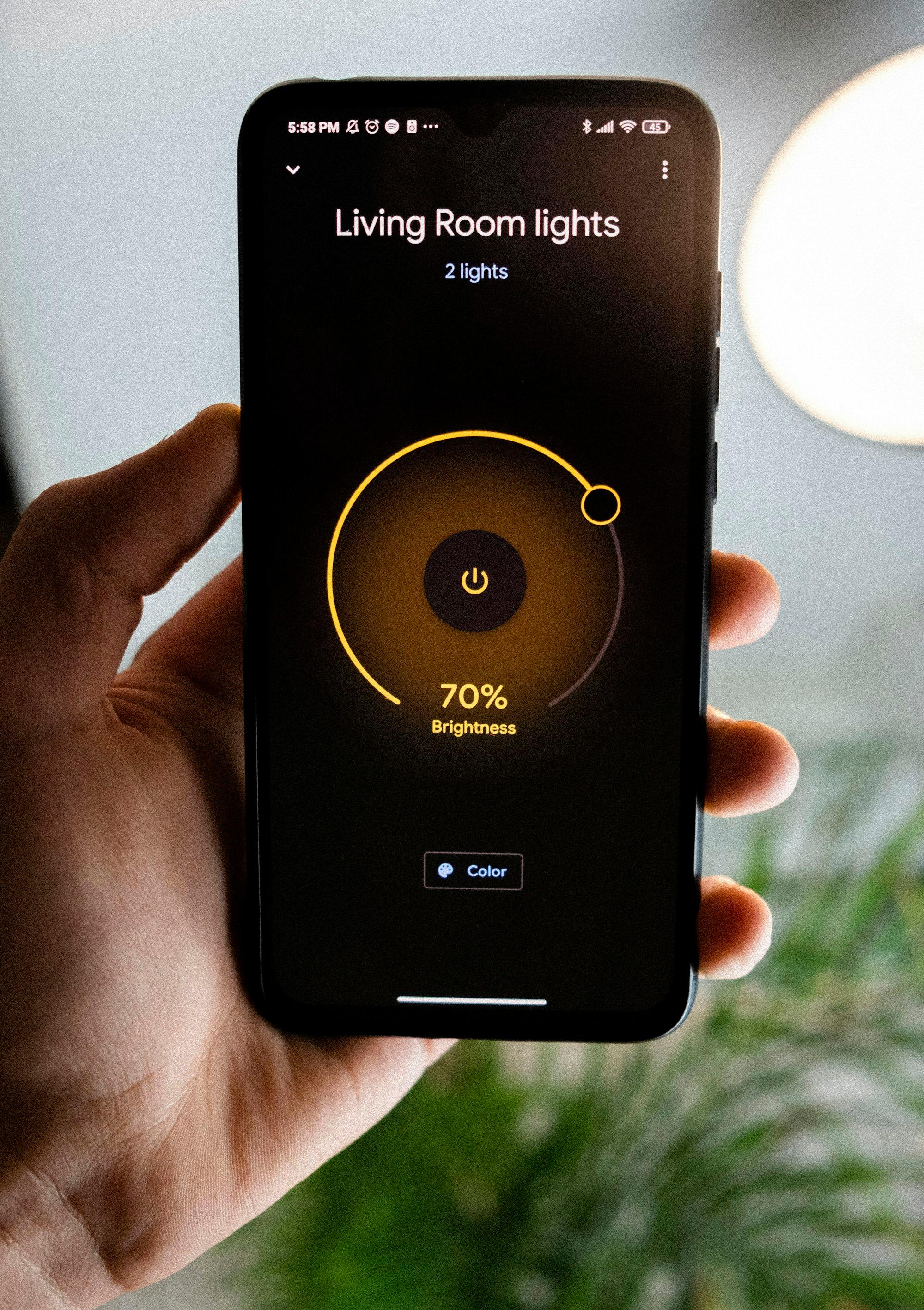
- Scenes and schedules in the Lutron app
- Arrive and leave settings based on your phone's location
- Works with Apple Home, Amazon Alexa and Google Home
- Room for up to 75 devices on one Smart Hub
How a Caséta install works
Room by room, start to scenes.
- 1
Pick the rooms.
Tell us which lights you want on dimmers and where a remote would help.
- 2
We check the boxes and loads.
Each wall box and fixture is checked so the right dimmer or switch goes on each light.
- 3
We install and connect the hub.
Dimmers, switches and Picos go in, and the Smart Hub goes on your router.
- 4
We set up scenes and show you.
Scenes and schedules are set up in the Lutron app, and we show you how to change them.
Google reviews
What our customers say.
“They show up early and they work. They are professional, clean, and friendly. All my questions and concerns were addressed while they were on the worksite.”
“They show up on time, explain everything clearly, and do top-quality work every single time. It’s such a relief to have electricians we fully trust and we won’t use anyone else.”
“We have called Wyatt Electric twice, once in 2020 and again just recently. They fixed all of our problems and left our home clean, even after installing a ceiling fan in my daughter's bedroom.”
Caséta questions
Before you book.
How many devices can Caséta control?
Lutron says one Caséta Smart Hub handles up to 75 Caséta devices. That covers most homes starting with a few rooms.
Does Caséta work if the internet goes down?
Yes. The Smart Hub plugs into your router but talks to the dimmers on Lutron's own wireless signal, so local control keeps working without the internet.
Does it work with Alexa, Google or Apple Home?
Yes. Caséta works with Apple Home and Siri, Amazon Alexa and Google Home.
Why hire an electrician for Caséta?
Every dimmer is a line-voltage connection in a wall box. We check the box, the wiring and the bulbs on each circuit so the right device goes on each light, and we set up the hub and scenes before we leave.
What if I outgrow Caséta?
RadioRA 3 is Lutron's larger whole-home system, with engraved keypads and more devices. If you're planning a lot of rooms, we'll talk through both before you buy.
How do I get a price?
Book a visit online or call 410-557-8557. A list of rooms or a few photos of the switches helps.
Where we work · Lutron Caséta
Three jurisdictions, one crew.
Each one has its own permit office and code edition. We work in all three and pull the permits ourselves.
- Harford CountyJarrettsville, Bel Air, Fallston, Forest Hill and the rest of the county.Electrician in Harford County
- Baltimore CountyTowson, Hunt Valley, Phoenix, Monkton, Sparks and the rest of the county.Electrician in Baltimore County
- Baltimore CityRowhomes and older houses across Baltimore City.Electrician in Baltimore City
Sources
- Lutron: Preferred Pro and Dealer residential installer programs
- Lutron Support: what the Caséta Smart Hub does and its device limit
- Lutron Support: RadioRA 3 system overview (capacity, keypads, shades, RA2 compatibility)
- Lutron Support: RadioRA 3 programming and configuration overview
- Lutron Support: upgrading an existing system to RadioRA 3
Book a visit
Tell us which rooms.
We'll plan the rest.
Book a visit online, or call or text 410-557-8557, Monday–Friday, 7am–6pm. Tell us which rooms you want to control and whether you already have Lutron in the house.